

Leads
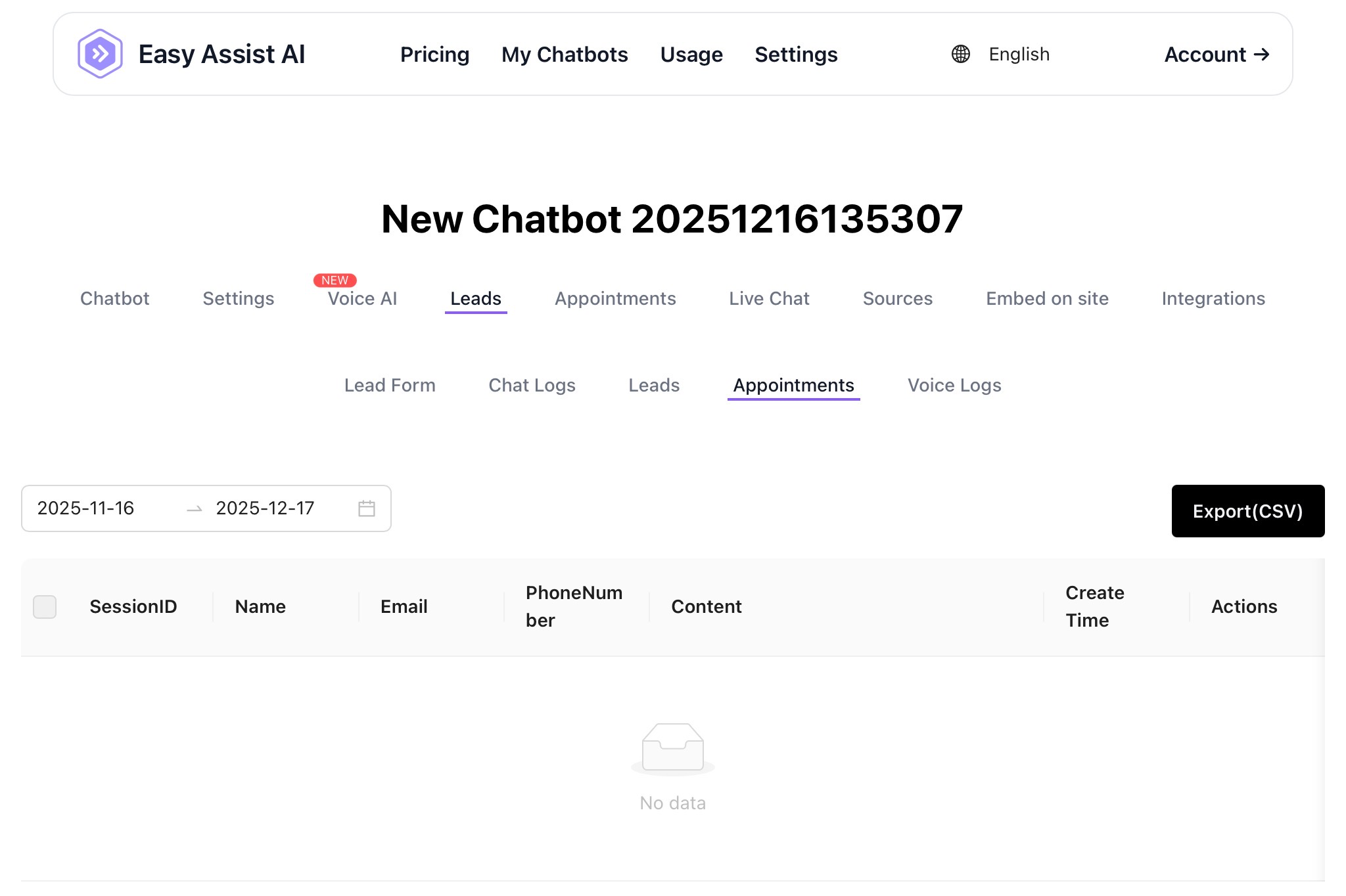
In your chatbot dashboard, under the Leads section, you can configure your lead form, see your chat logs, leads, appointments, and voice logs.
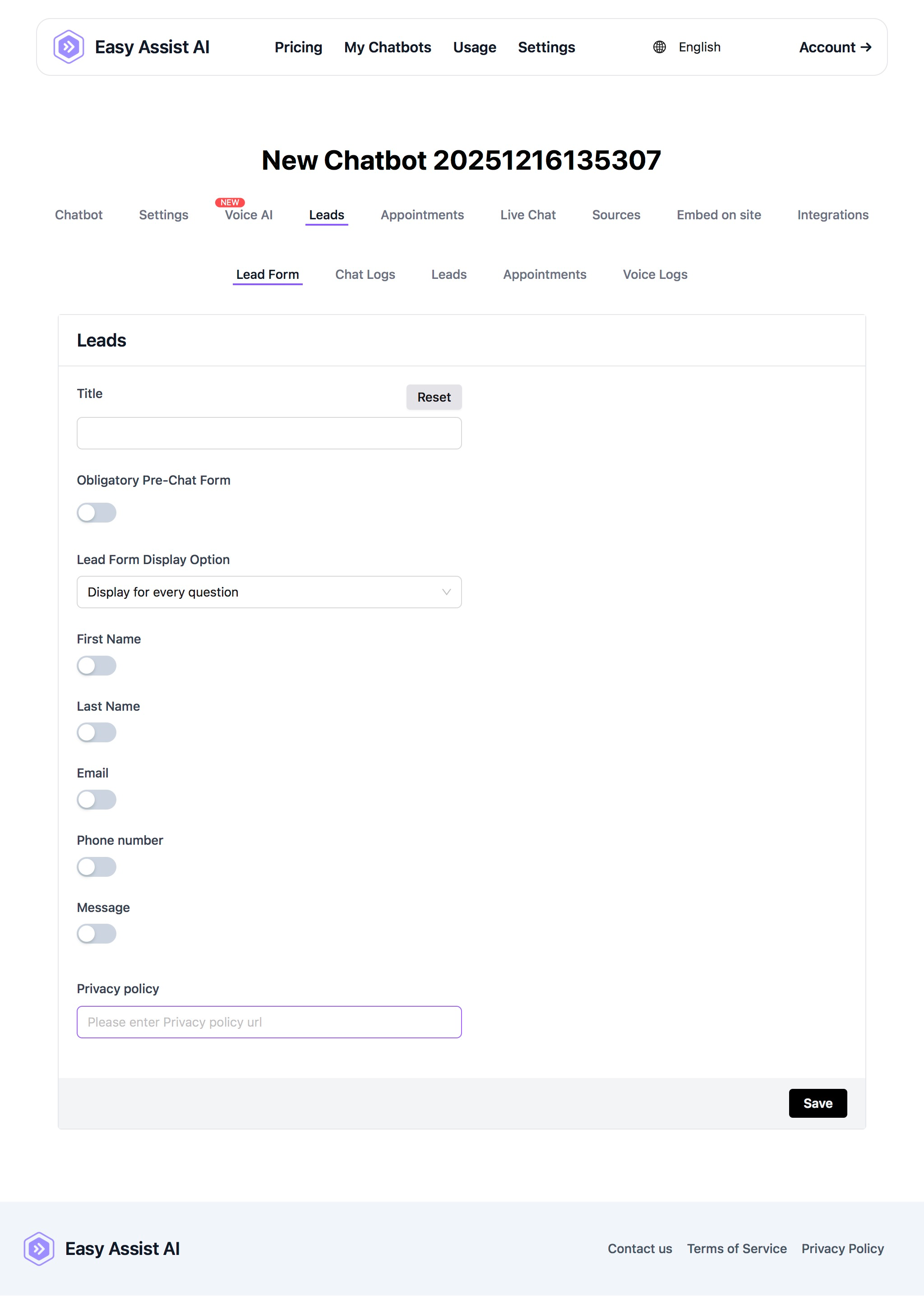
Lead Form:
The lead form is a form inside your chatbot. The lead form visibility is triggered by either:
Display for every question (lead form will always be presented after every question/reply of the user)
Display for human takeover only (lead form will only be shown if the user indicated they need a human or live support)
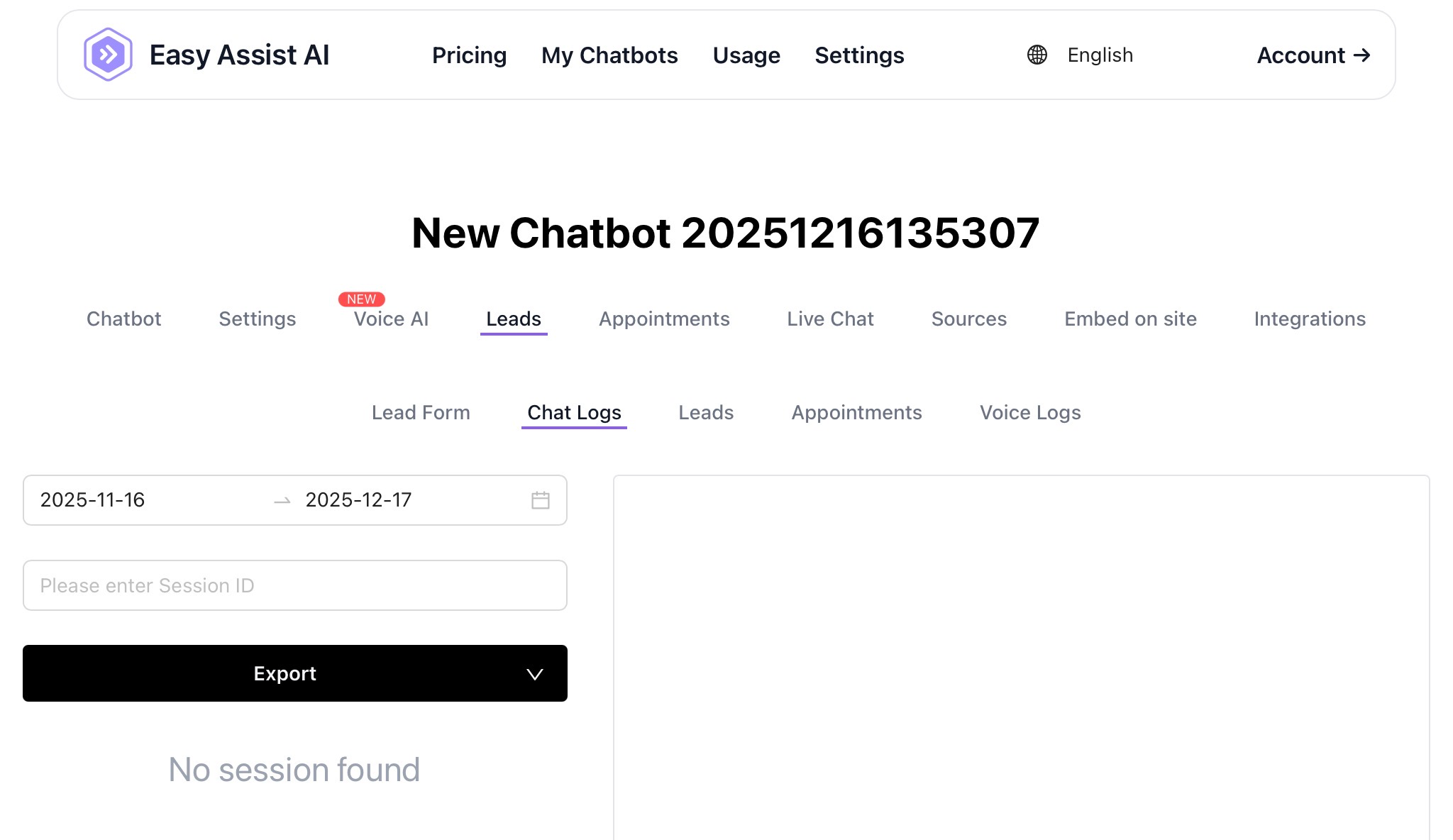
Chat Logs:
You can see the chat conversation of your chatbot under Chat Logs.
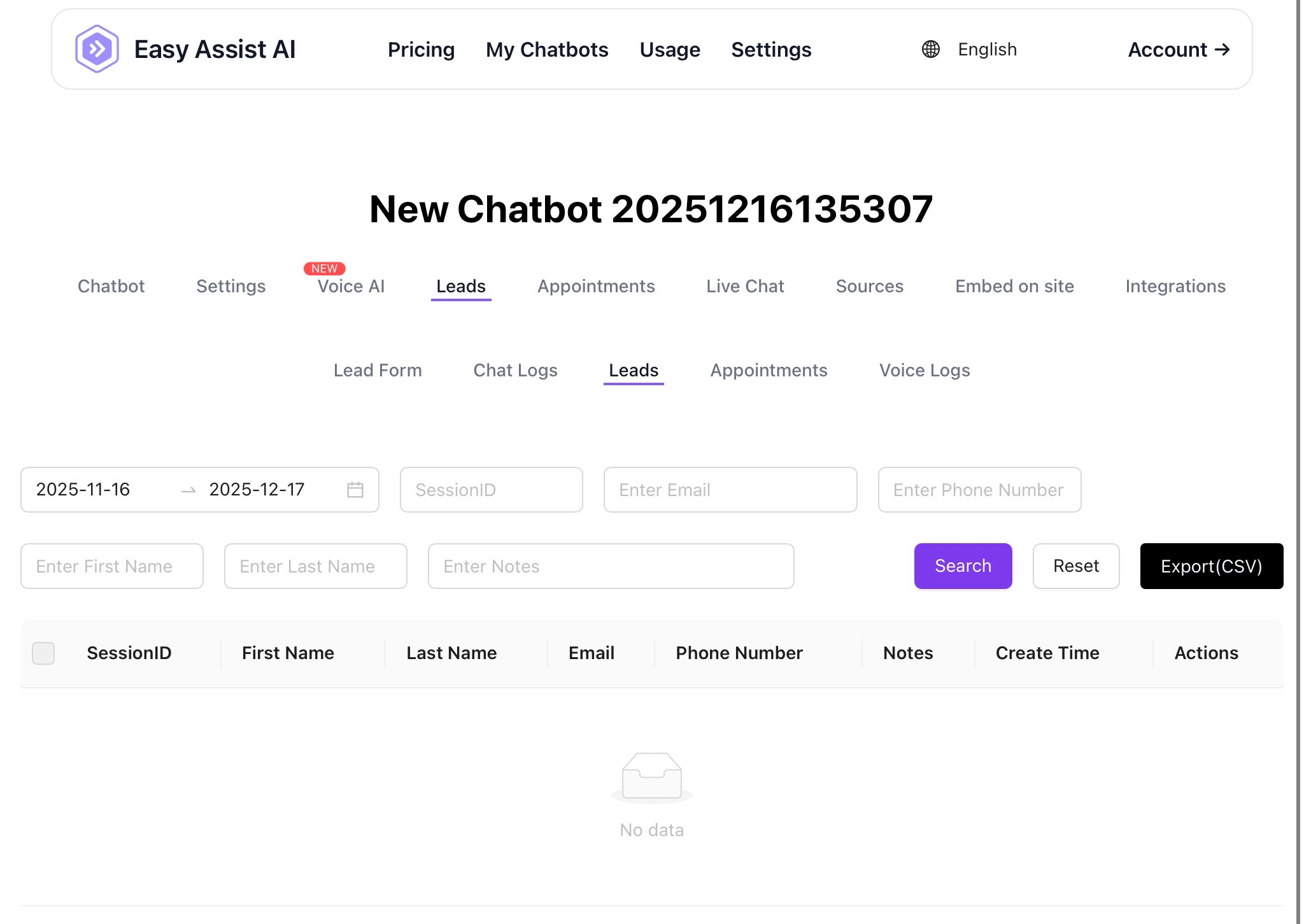
Leads:
After your chatbot gets your user information, they will be added here as leads.
Appointments:
Similar to leads, after the user sets an appointment, they will be added and shown here.
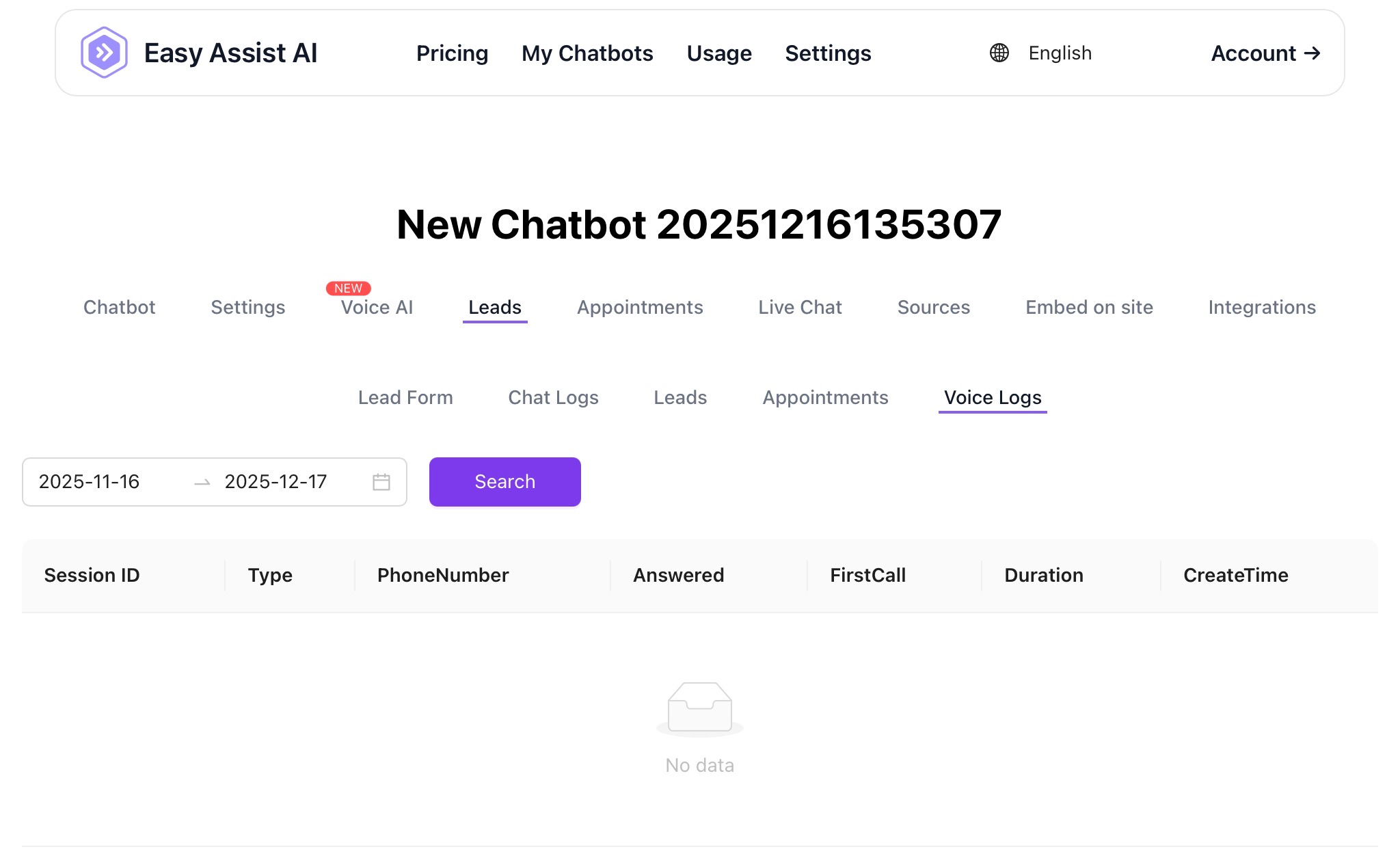
Voice Logs:
Similar to Chat Logs, you will see the Voice conversations here.